Options and configurations
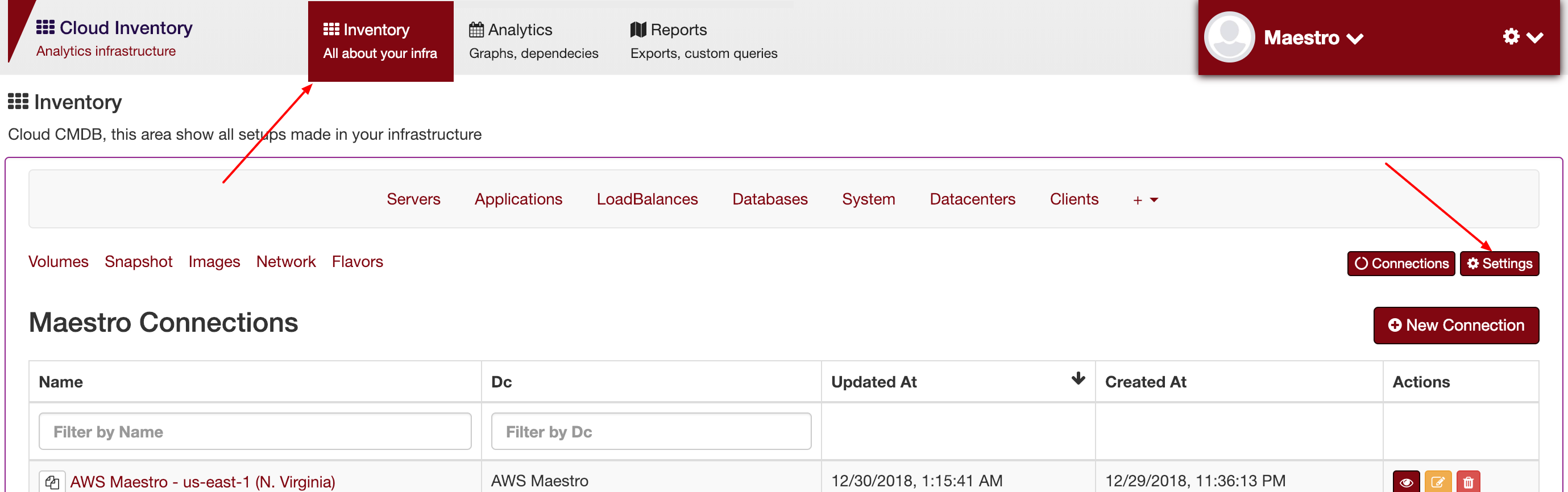
Services
To create a new service, you can go to settings -> services and click on add new service:
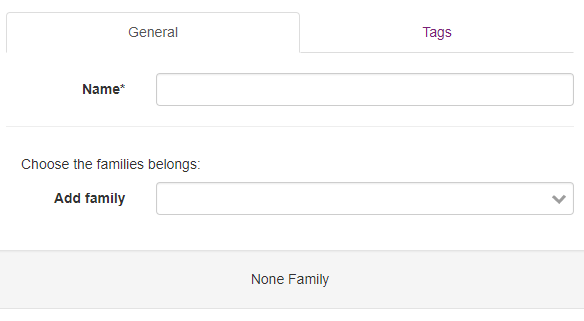
You can add, remove or update any service filled on Maestro database.
Config Options
You can add or change any option value.
| application_options | Applications options |
| clients_options | |
| connections | Time scheduler and crawler connections |
| database_options | |
| datacenter_options | |
| env_options | |
| server_options | |
| services_options | Services initial setup |
| system_options |
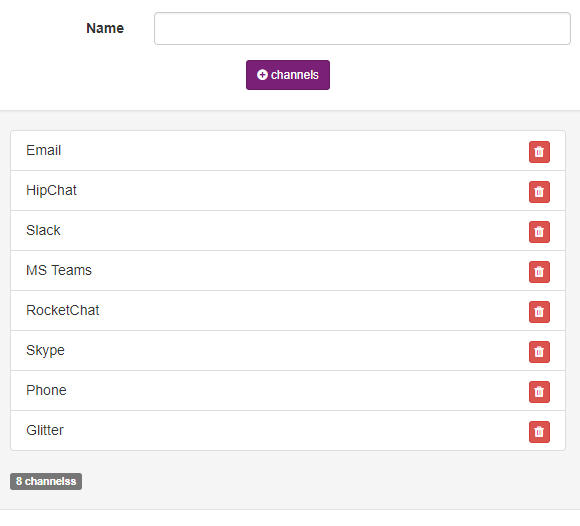
As an example, those are contacts found out it on clients_options.
Regions and zones
You can add a new region and/or a zone, go to settings -> regions and zones:
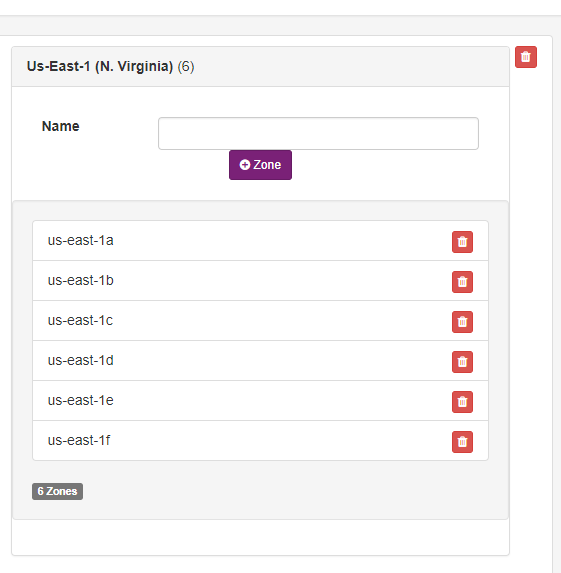
The default regions and zones.